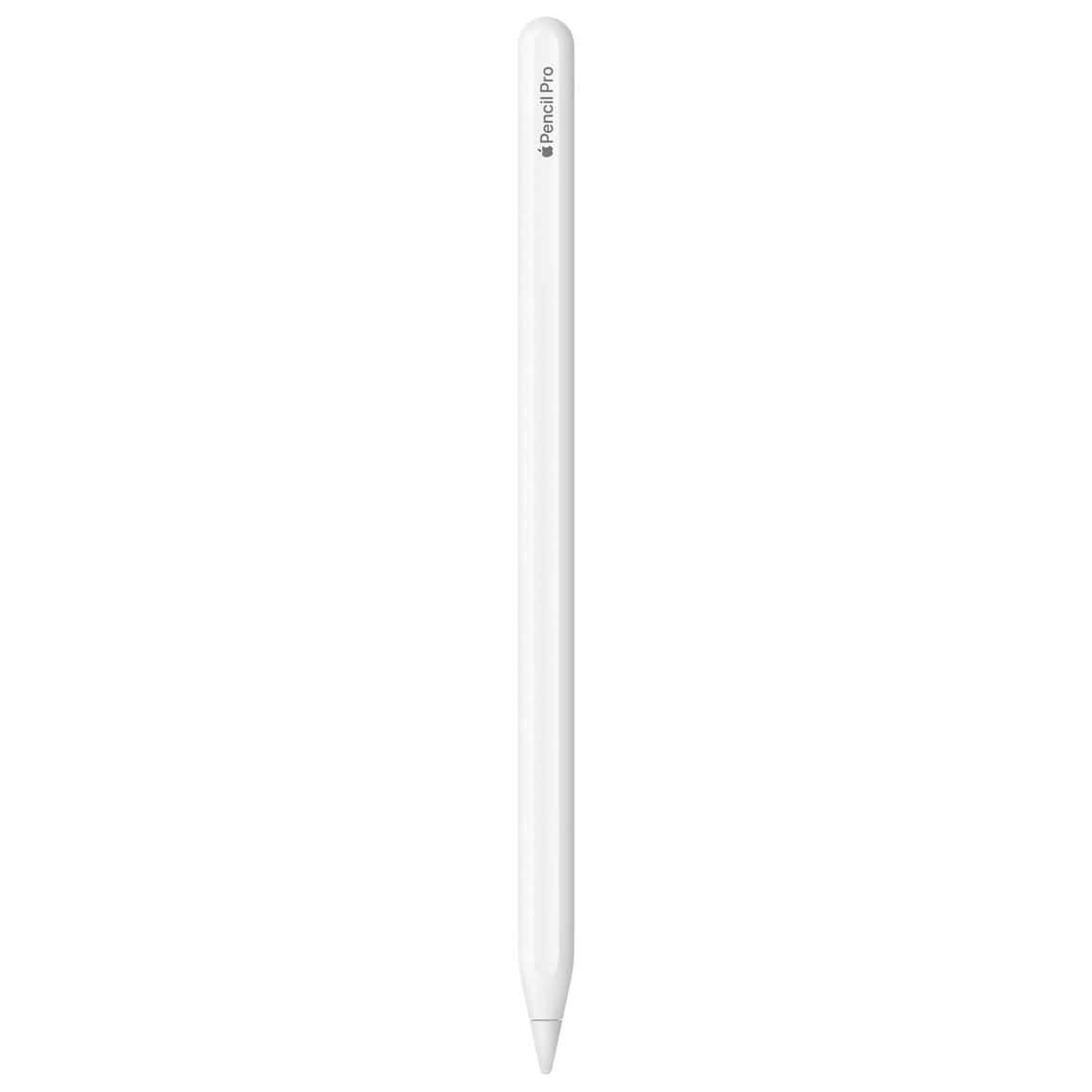
Apple Pencil Pro
Apple Pencil Pro adds pro-level control to iPad with pixel-perfect precision, pressure and tilt sensitivity, new squeeze and barrel roll gestures, haptic feedback, hover preview, double-tap tool switching, and Find My. It attaches magnetically to compatible iPads to pair and charge wirelessly.
Tech Essentials200In StockSpecifications
In the box
Apple Pencil Pro
Color
White
Dimensions & Weight
Length: 166 mm (6.53 in)
Diameter: 8.9 mm (0.35 in)
Weight: 19.15 g (0.68 oz)
Connections & Wireless
Bluetooth®
Magnetic attachment for pairing & wireless charging
Key Features
Pixel-perfect precision, pressure & tilt sensitivity; ultra-low latency
Squeeze gesture to bring up a tool palette
Barrel roll (gyroscope) for precise brush/pen rotation
Haptic feedback for squeeze and double-tap actions
Apple Pencil hover preview on supported iPads
Double-tap to switch tools (e.g., pen ↔ eraser)
Find My support to locate a misplaced Pencil Pro
System Requirements
iPadOS 17.5 or later; Bluetooth enabled.
Compatibility (Apple Pencil Pro only)
iPad Pro 13-inch (M5, M4)
iPad Pro 11-inch (M5, M4)
iPad Air 13-inch (M3, M2)
iPad Air 11-inch (M3, M2)
iPad mini (A17 Pro)
Hover-supported models (feature note)
iPad Pro 13-inch (M4), iPad Pro 11-inch (M4), iPad Pro 12.9-inch (6th gen), iPad Pro 11-inch (4th gen), iPad Air 13-inch (M2), iPad Air 11-inch (M2), and iPad mini (A17 Pro).
Frequently Asked Questions
What new controls does Apple Pencil Pro add over earlier models?
It adds squeeze (quick tool palette), barrel roll (rotate brush/pen), haptic feedback, plus existing double-tap, hover, magnetic pairing/charging, and Find My.
Does Apple Pencil Pro work with my iPad?
It’s limited to newer iPads: iPad Pro (M4/M5), iPad Air (M2/M3), and iPad mini (A17 Pro). Check your exact model in Settings ▸ General ▸ About and compare to Apple’s compatibility list.
Are extra tips included?
The retail box lists Apple Pencil Pro only. Replacement tips are sold separately.
SKU: SKU: APL-PENPRO-WHT-7Q2M
Available Colors
WhitePrice Options
variant:200 KYD

Apple iCharge Turbo Cable (Lightning to Type-C)
The Apple iCharge Turbo Cable (Lightning → USB-C) is a durable, MFi-certified charging and syncing cable built for fast Power Delivery charging and reliable data transfer between iPhones/iPads with Lightning ports and modern USB-C chargers or computers. Compatible with Apple USB-C power adapters for fast charge capability.
Tech Essentials30Apple iCharge Classic Cable (2M) (Lightning to USB)
The Apple iCharge Classic Cable (2M) is a high-quality Lightning to USB cable designed for fast charging and reliable data transfer. Its 2-meter length gives you flexibility to charge and sync your Apple devices comfortably, whether at home, in the office, or on the go. Durable and tangle-free, it is built to withstand daily wear and tear.
Tech Essentials30Apple iCharge Pro Cable (Type-C to Type-C, 2M)
High-performance charging and data cable engineered for fast, reliable power delivery and durable daily use. Available in Type-C to Type-C (2M) and Lightning to USB (2M) versions, with reinforced braided jackets and gold-plated connectors for maximum longevity and stable transfer speeds.
Tech Essentials40Apple AirTag Smart Tracker
Apple AirTag is a compact, lightweight smart tracker designed to help you keep track of your personal items such as keys, bags, wallets, and more. With precision tracking using the Find My network, AirTag helps you locate your belongings with ease, right from your iPhone, iPad, or Mac. Water- and dust-resistant, AirTag is durable enough for everyday use.
Tech Essentials50PowerBoost 20W Fast Charger Type C
PowerBoost 20W Fast Charger is a compact USB-C Power Delivery wall charger bundled with a Lightning-to-USB-C cable. Delivers fast, safe charging for iPhone, iPad mini, AirPods and other Lightning devices — perfect for home, office or travel.
Tech Essentials40Apple Pencil 1
Apple Pencil (1st generation) unlocks precise drawing, note-taking, and marking up on compatible iPads. It supports pressure and tilt for varied line weight and shading, delivering pixel-level accuracy for creatives, students, and professionals. Pairs and charges via Lightning.
Tech Essentials150PowerBoost Duo 35W Super-Fast Charger Type C
PowerBoost Duo 35W Super-Fast Charger Type C — a compact dual-port charger that delivers ultra-fast charging for phones, tablets, and accessories. Optimized for safe, efficient charging with modern Power Delivery and smart thermal protection.
Tech Essentials60Apple Pencil 2
Apple Pencil (2nd generation) delivers pixel-perfect precision and ultra-low latency for sketching, note-taking, and markup. It pairs/charges magnetically on compatible iPads and features a touch surface for double-tap tool switching.
Tech Essentials150